AI & Engineering
AI Workflow Automation
gaa-tha builds AI workflow automations that connect your apps and add AI where a person used to read, sort or type: lead routing and enrichment, invoice and document extraction, email triage, report generation, content pipelines, CRM clean-up and WhatsApp follow-ups. We build on n8n, Make, Zapier or custom code, across Google Workspace, Zoho, HubSpot, Tally and Shopify.
Last updated 22 October 2026
 Service hero · 16:9
- Best for
- Teams moving data between apps by hand — sales and marketing operations, accounts, D2C operations, agencies and back offices
- Timeline
- First workflows live in 1–4 weeks; larger programmes delivered in batches
- Engagement model
- Fixed fee per workflow or batch, with an optional monthly run-and-improve plan
- Channels / platforms
- n8n (self-hosted or cloud), Make, Zapier and custom code; Google Workspace, Zoho, HubSpot, Tally, Shopify and WhatsApp
The service
What is AI Workflow Automation?
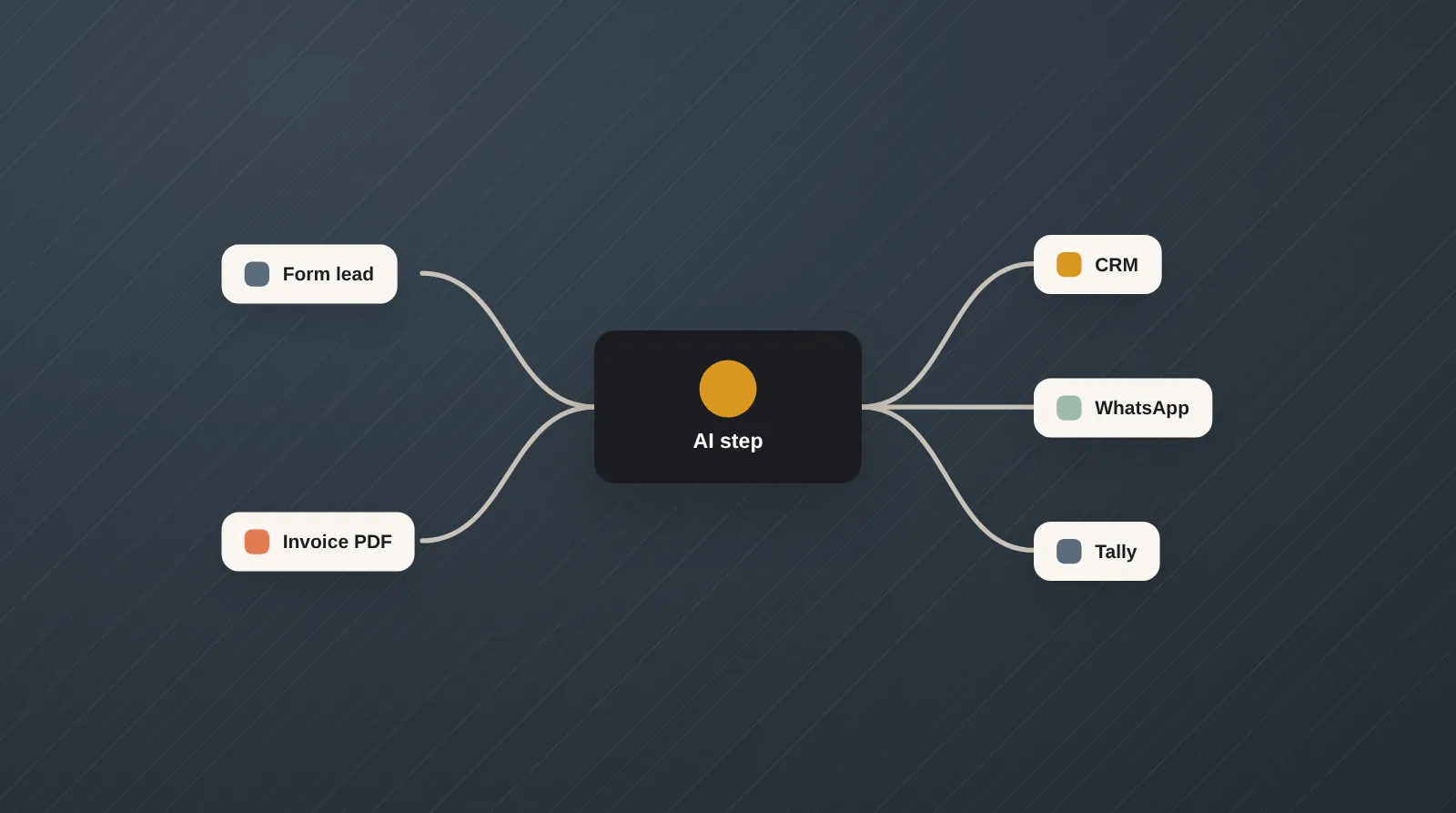
AI workflow automation is the use of automation platforms or code to move data between business apps whenever something happens — a new lead, an email, an uploaded invoice, an order — with AI models handling the steps that used to need a person to read, classify, extract or write. The workflow stays predictable; the AI step does the reading and drafting inside it.
At gaa-tha we list every manual hand-off in a process, automate the rule-based parts first and add AI only where it earns its place, with confidence checks that send unclear cases to a person. The platform is chosen on volume, data sensitivity and budget — n8n for self-hosting and control, Make or Zapier for speed and breadth of connectors, custom code for heavy or sensitive workloads — and every workflow ships with error alerts and a run log.
Scope
What's included
- Process audit — each manual hand-off, how often it happens and what it costs in hours and errors
- Lead capture, routing and enrichment from website forms, Meta and Google lead ads, IndiaMART and email into your CRM
- Invoice, purchase-order and document extraction into Tally, Zoho Books or Google Sheets, with a review queue for exceptions
- Email and shared-inbox triage — classify, tag, summarise, draft replies and assign to the right person
- Scheduled reports that pull from Shopify, ad accounts, CRM and accounts and arrive as a written summary on email or WhatsApp
- Content pipelines from brief to draft to approval to publishing, for blogs, product listings and social posts
- CRM hygiene in HubSpot or Zoho CRM: de-duplication, missing-field enrichment, stage updates and follow-up reminders
- WhatsApp follow-ups for leads, quotes, abandoned carts, payments and dispatch through the WhatsApp Business API
- Platform setup on n8n (self-hosted or cloud), Make, Zapier or custom code, with credentials held in your accounts
- Error handling, retries, failure alerts, run logs and documentation for every workflow
Process
How we work
Five steps, in the order they happen.
Map the hand-offs
We walk through the process with the people who run it and list every place where data is copied, checked or chased by hand.
Prioritise and design
Workflows are ranked by time saved and risk, and each gets a short design: trigger, steps, AI prompts, exceptions and who reviews what.
Build on the right platform
We build in n8n, Make, Zapier or code, connect your apps, and test every AI step on a sample of your real emails, invoices or leads.
Run in shadow mode
The workflow runs alongside the manual process for a short period so outputs can be compared and edge cases fixed before it takes over.
Switch over and maintain
The workflow goes live with alerts and a run log, your team is trained, and an optional monthly plan covers fixes when an app changes and new workflows as you grow.
Outputs
Deliverables you receive
- Process audit and a ranked automation backlog
- Live workflows on your n8n, Make, Zapier or cloud account
- AI prompts and extraction schemas tested on your sample data
- Review queues for low-confidence cases
- Failure alerts, run logs and a cost-per-run estimate
- Workflow documentation, team training and all credentials
Stack
Tools & platforms
Pricing model. Fixed fee per workflow or batch of workflows; platform subscriptions, AI usage and WhatsApp messaging are billed to your own accounts, and monthly maintenance is optional.
Good to know
Questions about AI automation
Answer-first, so humans and AI assistants get the point quickly.
AI workflow automation connects your business apps so data moves automatically when something happens, with an AI model handling the steps that need reading or judgement, such as extracting an invoice, classifying an email or drafting a reply. It differs from an AI agent because the steps are fixed in advance; the AI works inside a predictable workflow rather than deciding what to do next. That predictability is why it is usually the safest first use of AI in a business.
Use Zapier for the fastest setup and the widest range of app connectors, Make for visual multi-step logic at a lower cost per run on many workloads, and n8n when you want self-hosting, custom code steps and control over where data goes. Zapier and Make bill by tasks or operations, so cost rises with volume; self-hosted n8n trades licence cost for running and maintaining your own server, or you can use n8n Cloud. Check each platform's current pricing, as plans change often.
Start with high-volume, rule-heavy tasks where a mistake is easy to spot: lead routing, invoice data entry, daily or weekly reports and follow-up reminders. These pay back quickly and build trust in the system. Processes that need negotiation, judgement on money or sensitive customer conversations are better left with a person, or automated only up to a draft for approval.
Yes. AI extraction can read PDF or photographed invoices, pull the vendor, GSTIN, line items, tax and totals, validate them and post entries into TallyPrime, Zoho Books or a sheet. Tally is connected through its integration interface or a connector, depending on how your Tally is set up, and low-confidence documents go to a review queue so a person checks the exceptions rather than every invoice.
Accuracy is high on clean, consistent documents and lower on handwritten, poorly scanned or unusual formats, so we measure it on your own samples before go-live. Each AI step is backed by validation rules — totals must add up, a GSTIN must match its format, a lead must have a phone or email — and anything that fails goes to a person. Error and exception rates are visible in the run log, not just in a demo.
Build cost depends on the number of workflows, the apps involved, how many AI steps need testing and how exceptions are handled. Running cost depends on volume, your automation platform plan and AI model usage. We quote a fixed fee per workflow or batch and estimate the monthly running cost before you approve, so you can weigh it against the hours saved.
Yes, when the workflow is designed for it: credentials stay in your accounts, data passes only through platforms you approve, and AI steps use provider API terms under which inputs are not used for model training by default. For sensitive financial or customer data, self-hosted n8n on your own server or cloud keeps the whole data path inside your infrastructure, which also helps with obligations under India's DPDP Act and similar laws abroad.
Apps update their APIs and fields, so workflows need occasional fixes, and failure alerts tell you the moment a run breaks. You can maintain workflows in-house with the documentation and training we provide, or use our optional monthly plan for fixes, monitoring and small new workflows. Everything runs in your accounts, so there is no lock-in.
Keep exploring
Related services
 Service card · 4:3
AI Agent Development
Custom AI agents that take a goal, use your tools and finish the task — inside guardrails, approvals and logs.
Explore → Service card · 4:3
Custom Tools & Automations
Small, purpose-built software that removes manual work — lead trackers, lookups, dashboards and document automation.
Explore → Service card · 4:3
AI Chatbot Development
Website and WhatsApp chatbots that know your catalogue and policies, capture leads and hand over to a person when it matters.
Explore → Service card · 4:3
Shopify Store Management & Maintenance
We run your store so you can run your business — uploads, pricing, banners, apps and fixes every month.
Explore →Related reading