
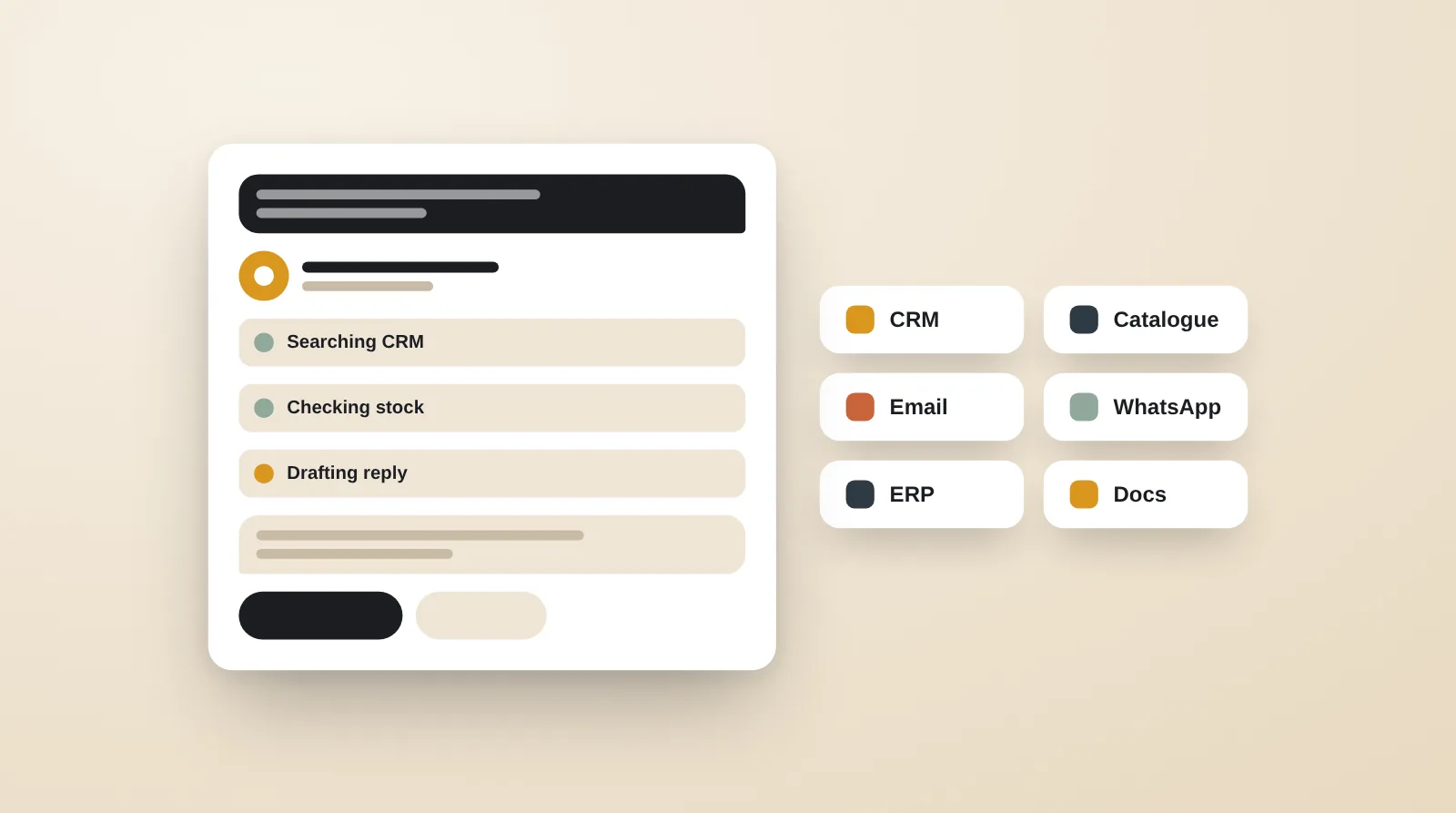
An AI agent for business is software that uses a large language model to pursue a defined goal: it decides which steps to take, calls tools such as your CRM, Shopify store or ERP, remembers context, and works within guardrails you set. Unlike a chatbot, it acts; unlike fixed automation, it copes with variation. The best first agents do one narrow, repetitive job, such as qualifying leads or answering order-status queries, with a person approving anything risky.
Key takeaways
- An AI agent combines a goal, tools, memory and guardrails; remove one and you have a chatbot or a script.
- Start with one narrow, high-volume job with a written definition of done, not a general “AI assistant”.
- Most of the effort goes into data access, evaluation and approvals, not the prompt.
- Choose Claude, GPT, Gemini or an open-weight model by testing on your own cases, and keep the option to switch.
- Hallucination, data leakage and prompt injection are controlled by design: narrow permissions, grounded answers and human approval for irreversible actions.
What is an AI agent, in plain terms?
An AI agent is a program that uses a large language model to reach a defined goal by choosing its own next step, calling tools to act on real systems, and checking the result before it moves on. Four parts make something an agent rather than a clever prompt:
- A goal. A specific job with a clear definition of done, such as “every new lead is scored, enriched and assigned within ten minutes”.
- Tools. Functions the agent can call: read an order in Shopify, search the CRM, query the ERP, send a WhatsApp template, create a draft purchase order.
- Memory. Short-term context for the current task (what the customer already said) and long-term knowledge (policies, past tickets, product data) retrieved when needed.
- Guardrails. Rules on what it may and may not do: spending limits, actions that need a human’s approval, topics it must refuse, and a step limit so it cannot loop forever.
The agent runs in a loop: read the situation, decide on an action, call a tool, look at what came back, and repeat until the goal is met or it hands over to a person. A simple example is an order-status agent on WhatsApp. A customer writes “mera order kab aayega?”; the agent finds the order by phone number in Shopify, pulls the latest scan from the courier, replies in Hinglish with the expected date, and, if the parcel is stuck in non-delivery, opens a ticket for the support team with the full context attached.
How is an AI agent different from a chatbot or an automation?
An automation follows fixed rules, a chatbot answers questions, and an agent decides and acts across systems. The differences matter because each has a different cost, risk and maintenance profile.
| Aspect | Rule-based automation | AI chatbot | AI agent |
|---|---|---|---|
| What it does | Runs the same steps every time a trigger fires | Answers questions in natural language | Plans steps towards a goal and takes actions |
| Handles messy input | No; breaks on anything unexpected | Yes, for conversation | Yes, for conversation, documents and data |
| Acts on systems | Yes, but only the steps it was given | Rarely, or through fixed buttons | Yes, through tools it chooses between |
| Typical example | New Shopify order → Google Sheet row | Website FAQ assistant | Qualifies a lead, books the call, updates the CRM |
| Best when | The process is stable and rule-based | People need answers, not actions | Steps vary case by case but the goal is clear |
| Main risk | Silent failure when an input changes | Confident wrong answers | Wrong actions taken on real systems |
Most production systems combine them. A dependable pattern is a fixed workflow in n8n or code that calls an AI step only where judgement is needed, or an agent whose tools are themselves tested workflows. Our guides to AI workflow automation and AI chatbots for websites and WhatsApp cover the other two in depth.
Where do AI agents pay off for Indian SMEs, D2C brands and B2B companies?
AI agents pay off on jobs that are frequent, follow a recognisable pattern but vary in detail, and currently eat hours of skilled staff time. These are the most common, with the systems involved:
| Use case | Who it suits | Tools the agent calls | Where a human checks |
|---|---|---|---|
| Lead qualification | B2B manufacturers, exporters, real estate, education | IndiaMART or Meta lead forms, CRM (Zoho, HubSpot, LeadSquared), WhatsApp | Before quotes or prices are sent |
| Support and order status | D2C brands on Shopify | Shopify, courier tracking (Shiprocket, Delhivery), helpdesk | Refunds, replacements, angry customers |
| COD confirmation and NDR follow-up | D2C brands with high COD share | Shopify, WhatsApp templates, courier NDR data | Cancellations above a set value |
| Catalogue enrichment | Brands listing on Shopify, Amazon, Flipkart, Myntra | PIM or Google Sheets, marketplace templates, image tools | Claims, HSN codes, sizing |
| Reporting | Founders and category managers | Shopify, Seller Central, ad platforms, quick-commerce reports | Anomalies it flags |
| Research | Exporters, sales and strategy teams | Web search, company databases, CRM | Before outreach |
| Procurement | Manufacturers and distributors | Email inbox, ERP or Tally, supplier price history | Every purchase order before release |
A good first candidate passes four tests: the volume is high enough to matter, the data it needs is reachable by API or export, a wrong output can be caught before it causes harm, and someone owns the outcome today and can judge whether the agent does it well. Lead qualification and order-status support usually pass all four. Fully autonomous procurement usually does not, so start it as a drafting assistant.
For D2C brands, support and COD agents sit on top of the store, so a clean Shopify build and reliable order data come first; the customer-facing layer is covered under AI chatbot development, and our note on COD vs prepaid explains why confirmation flows matter. For manufacturers and distributors, procurement and reporting agents need ERP access, which is why we cover choosing between Tally, Odoo, ERPNext and custom ERP separately.
How do you build an AI agent, step by step?
You build an AI agent by narrowing the job first and choosing technology last. The sequence we follow:
- Pick one job and define done. Write the goal, the inputs, the expected output and three examples of success and failure. “Help sales” is not a job; “score and route every inbound lead within ten minutes” is.
- Map tools and data. List every system the agent must read or write, how it connects (API, webhook, database, Tally’s XML interface, a spreadsheet) and the narrowest permission it needs. Read-only access first.
- Choose the model. Match the model to the task’s difficulty, language and data-handling needs (see the next section).
- Choose orchestration. Decide what runs the loop: a workflow tool, an agent framework or plain code.
- Connect tools and knowledge. Expose tools through APIs or MCP, and ground answers in your own documents with retrieval (RAG).
- Build an evaluation set. Collect 50 to 200 real past cases with the correct outcome, and score every version of the agent against them.
- Add human approval. Decide which actions run automatically and which wait for a person.
- Launch in shadow mode. Let the agent draft while people act, compare the two for a week or two, then hand over the actions it gets right.
- Monitor and control cost. Log every step, watch cost per task and review failures weekly.
Steps 2, 6 and 7 take most of the effort. The prompt is rarely the hard part; reliable data access and honest testing are.
Which model should power the agent: Claude, GPT, Gemini or open-source?
Choose the model by testing two or three candidates on your own evaluation set, because rankings change every few months and differ by task. As a starting point:
| Option | Commonly chosen for | Consider |
|---|---|---|
| Claude (Anthropic) | Tool use, long documents, careful instruction-following, coding-heavy agents | Available through Anthropic’s API and major clouds |
| GPT (OpenAI) | General-purpose agents, broad ecosystem, voice and vision features | Widest range of third-party integrations |
| Gemini (Google) | Very long context, multimodal input, Google Cloud and Workspace stacks | Natural fit if your data already lives in Google Cloud |
| Open-weight models (Llama, Mistral, Qwen, DeepSeek) | Self-hosting for data control, high-volume simple tasks | You run GPUs or a hosting provider, and own updates and safety tuning |
Three practical rules. First, route by task: a small, fast model can classify and extract, while a larger model handles multi-step reasoning, which often cuts running cost sharply. Second, test Indian languages explicitly; Hindi and Hinglish are handled well by the major models, Gujarati, Tamil and other Indic languages vary more, and Indic-focused models such as those from Sarvam are worth including in the test. Third, keep the model behind a thin layer of your own code so you can switch providers without rebuilding the agent.
What do orchestration, MCP and RAG mean, and do you need them?
Orchestration, MCP and RAG are the plumbing that turns a model into a working agent; most business agents need a little of each.
Orchestration
Orchestration is the code that runs the agent loop, passes tool results back to the model, enforces step limits and records what happened. Options range from the AI Agent node in n8n, to frameworks such as LangGraph, the OpenAI Agents SDK, the Claude Agent SDK and Google’s Agent Development Kit, to a few hundred lines of plain Python or TypeScript. For a single-job agent, simpler is better: fewer moving parts means easier debugging.
MCP (Model Context Protocol)
MCP is an open standard, introduced by Anthropic and now supported across the major AI providers, for connecting models to tools and data. You describe a tool once as an MCP server, such as “look up order by phone number”, and any MCP-capable agent or assistant can use it. A growing number of SaaS products publish their own MCP servers. For a business, the benefit is reuse: the same Shopify or ERP connector can serve the support agent, the reporting agent and staff using an AI assistant.
RAG (retrieval-augmented generation)
RAG means the agent searches your own knowledge, such as policies, product data, SOPs and past tickets, and answers from what it finds rather than from memory. It is the main defence against invented answers, and it is cheaper and easier to keep current than fine-tuning a model. Good RAG depends on clean, well-structured source documents more than on the choice of vector database.
How do you test, approve and monitor an agent in production?
You test an agent against real past cases before launch, gate risky actions behind human approval, and log every step after launch. Concretely:
- Evaluation. Score each version on task success, wrong-action rate, escalation rate, cost per task and response time. Re-run the set after every prompt, model or tool change.
- Approval tiers. Read-only actions run freely; reversible actions (tagging a ticket, drafting a reply) run with a log; irreversible or money-related actions (refunds, discounts, purchase orders, messages promising delivery dates) wait for a person, usually with one-tap approval on WhatsApp or Slack.
- Tracing. Store the input, every tool call, every model response and the final output for each task, so any mistake can be replayed and explained.
- Alerts. Notify a named owner when failure rate, cost or escalations cross a threshold.
- Weekly review. Read a sample of conversations and every failure, add new cases to the evaluation set, and fix the cause rather than patching the prompt for one example.
What are the risks of AI agents, and how do you control them?
The three main risks are invented answers, exposure of data and manipulation through prompt injection, and each is controlled by design rather than by a better prompt.
| Risk | What it looks like | Controls that work |
|---|---|---|
| Hallucination | A confident wrong delivery date, price or policy | Answer only from retrieved sources or tool results; structured outputs validated by code; say “I’ll check with the team” when unsure |
| Data security | Customer details sent where they should not go, or keys with too much access | Least-privilege API keys, masking personal data the model does not need, provider terms that exclude training on your data, audit logs |
| Prompt injection | An email, review or web page contains hidden instructions the agent obeys | Treat all external text as data, restrict tools while processing untrusted input, require confirmation before sending or paying |
| Runaway cost | A loop calls the model hundreds of times | Step limits, per-task budgets, alerts on spend |
Prompt injection is listed first in the OWASP Top 10 for large language model applications for good reason: any agent that reads emails, supplier PDFs or web pages can meet it. For personal data, Indian businesses should design to the Digital Personal Data Protection Act, 2023 and its rules, and brands selling to Canada or Europe also to PIPEDA or GDPR. Check where each provider processes and stores data, and prefer business API tiers over consumer apps.
What drives the cost of building and running an AI agent?
The cost of an AI agent is driven mostly by integrations, testing and volume, not by the model itself. The main drivers:
- Build: the number of systems it connects to, how clean and reachable your data is, the approval interface, the number of languages, and the depth of the evaluation set.
- Running: model usage (tokens per task multiplied by tasks per month), hosting, a search index for RAG, WhatsApp message charges where relevant, and logging.
- Upkeep: API changes in connected tools, model upgrades, new edge cases and periodic re-testing.
The useful comparison is cost per completed task against what the task costs today in staff time, delay and errors. Include the human review time the agent still needs. If an agent saves two minutes on a task done ten times a day, it is probably not worth building; if it saves twenty minutes on a task done two hundred times a day, it usually is.
How do you choose an AI agent development company?
Choose an AI agent development company by how it tests and secures agents, not by its demos. The types you will meet are freelancers (fast and affordable, but a single point of failure), no-code automation agencies (quick for workflows, limited when custom code is needed), product engineering firms (strong code, sometimes thin on business process) and full-service agencies with an engineering team (closer to marketing and commerce operations). Whichever type you talk to, ask:
- How will you measure whether the agent works, and can we see the evaluation set?
- Which actions will run without approval, and why?
- Who owns the code, prompts, connectors and data at the end?
- Can we switch the model provider later without a rebuild?
- Have you integrated the systems we use, such as Tally, Zoho, Shopify or our ERP?
- What does monitoring and support look like after launch?
- Will you start with a scoped pilot on one job?
At gaa-tha, our AI agent development work starts with exactly that: one job, a written definition of done and an evaluation set before any build. Agents that need a portal, an approval app or deeper system work sit with our custom software development team, and simpler, fixed processes often belong in AI workflow automation instead. The AI and software engineering hub shows how the pieces fit.
Frequently asked questions
ChatGPT is a general assistant that a person talks to, while a business AI agent is built for one job and can act on your systems. An agent has access to your tools and data, follows your rules, and works whether or not anyone is chatting with it, for example by processing every new lead as it arrives.
A narrow, single-job agent can usually reach a pilot in a few weeks, and an agent that spans several systems takes a few months. The timeline depends mainly on how quickly data access is set up and how long shadow-mode testing runs, not on writing prompts.
Yes, if the system can be reached by API, database, export or a connector. Zoho, Odoo and ERPNext have documented APIs; Tally is usually connected through its XML interface or a connector running on the machine where Tally is installed. Start with read-only access and add write actions behind approval.
It can be, when the agent has the narrowest permissions it needs, personal data is masked where the model does not need it, and the provider’s business terms exclude training on your data. Log every action and keep irreversible steps behind human approval.
Almost never for a first agent. Retrieval over your own documents and good tool design solve most business needs, and they are easier to update than a fine-tuned model. Fine-tuning becomes worth considering only at high volume for a narrow, stable task.
In practice, a well-scoped agent removes repetitive steps so staff spend their time on judgement, exceptions and customers. Most businesses use the time saved to handle more volume or respond faster, and they still need people to approve, review and improve the agent.
Want this done for you?
gaa-tha builds the strategy, the creative and the commerce operations — for brands across India and beyond.
Start a project →